
How to configure your scanner to upload RXs in CLX
This option provides the capability of uploading a file to CLX with a listing of your trials. This will walk you through the entire process of plugging in your scanner.
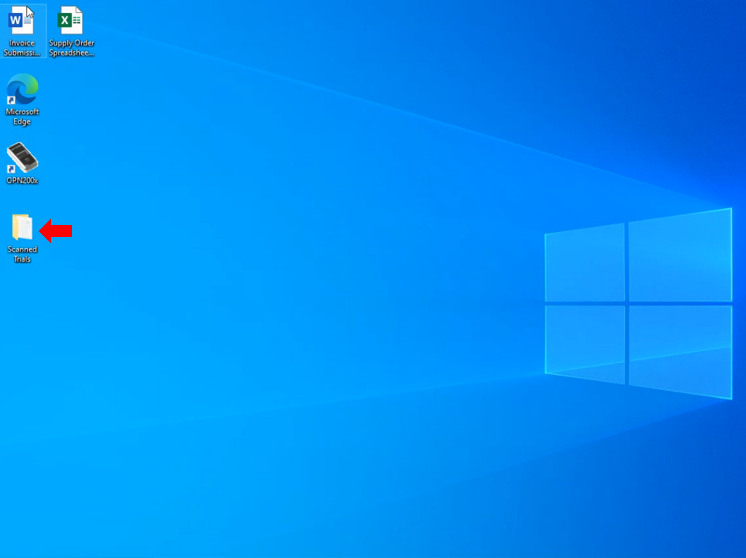
Create a folder named "Scanned Trials"
Open up a web browser and type in download.clxsystem.com.
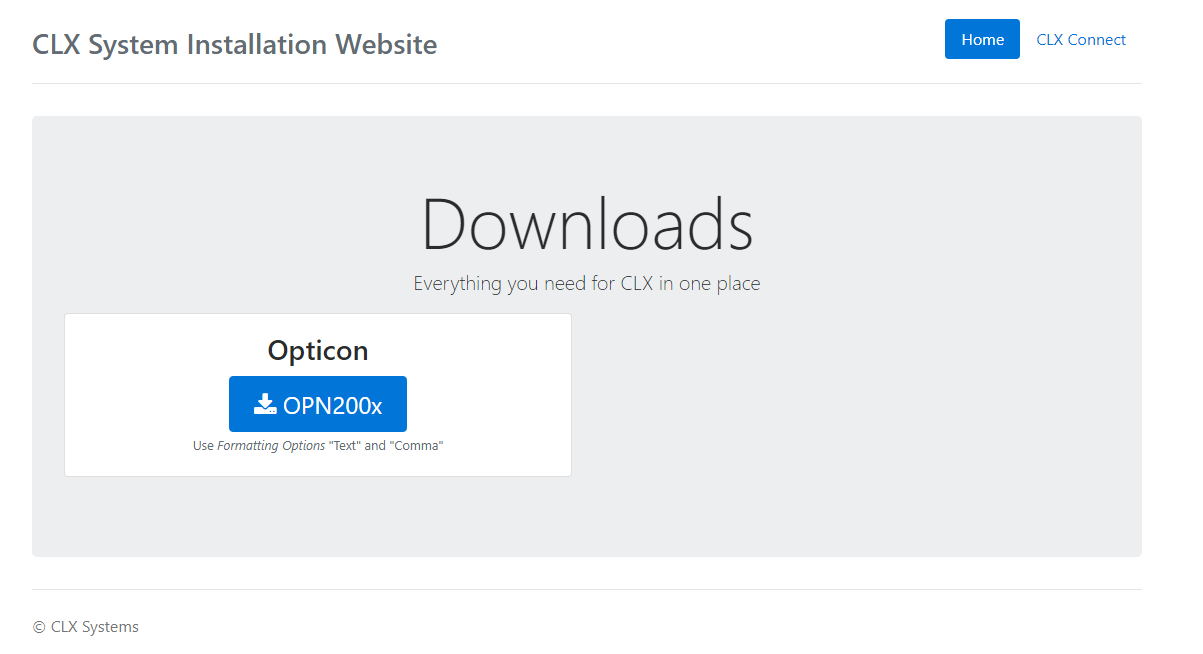
Download the OPN100x program. When you open it, it will look like this:
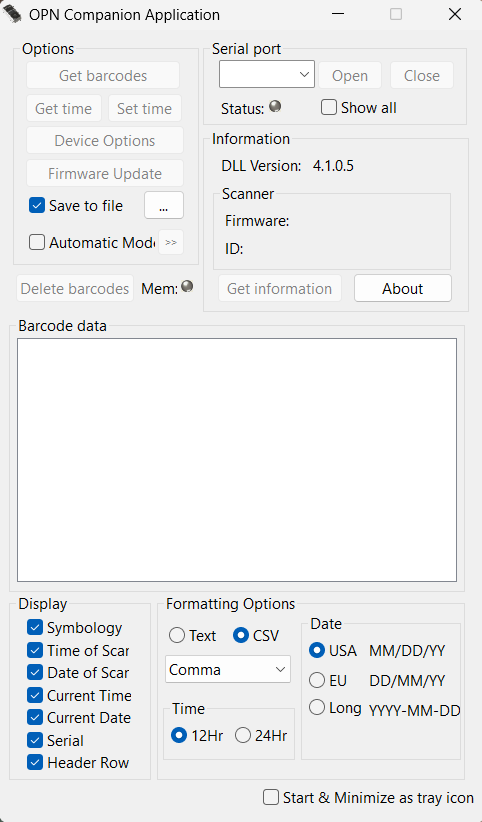
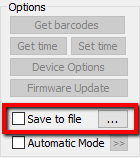
Select Save to File, then click the three dots to select the “Scanned Trials” folder that was created.
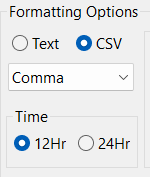
Formatting should look like this:
When you plug in the scanner, the status should be green.